Documentation Index
Fetch the complete documentation index at: https://omer-914cc1c6.mintlify.app/llms.txt
Use this file to discover all available pages before exploring further.
在页面中添加Update 组件,即可为文档创建更新日志。
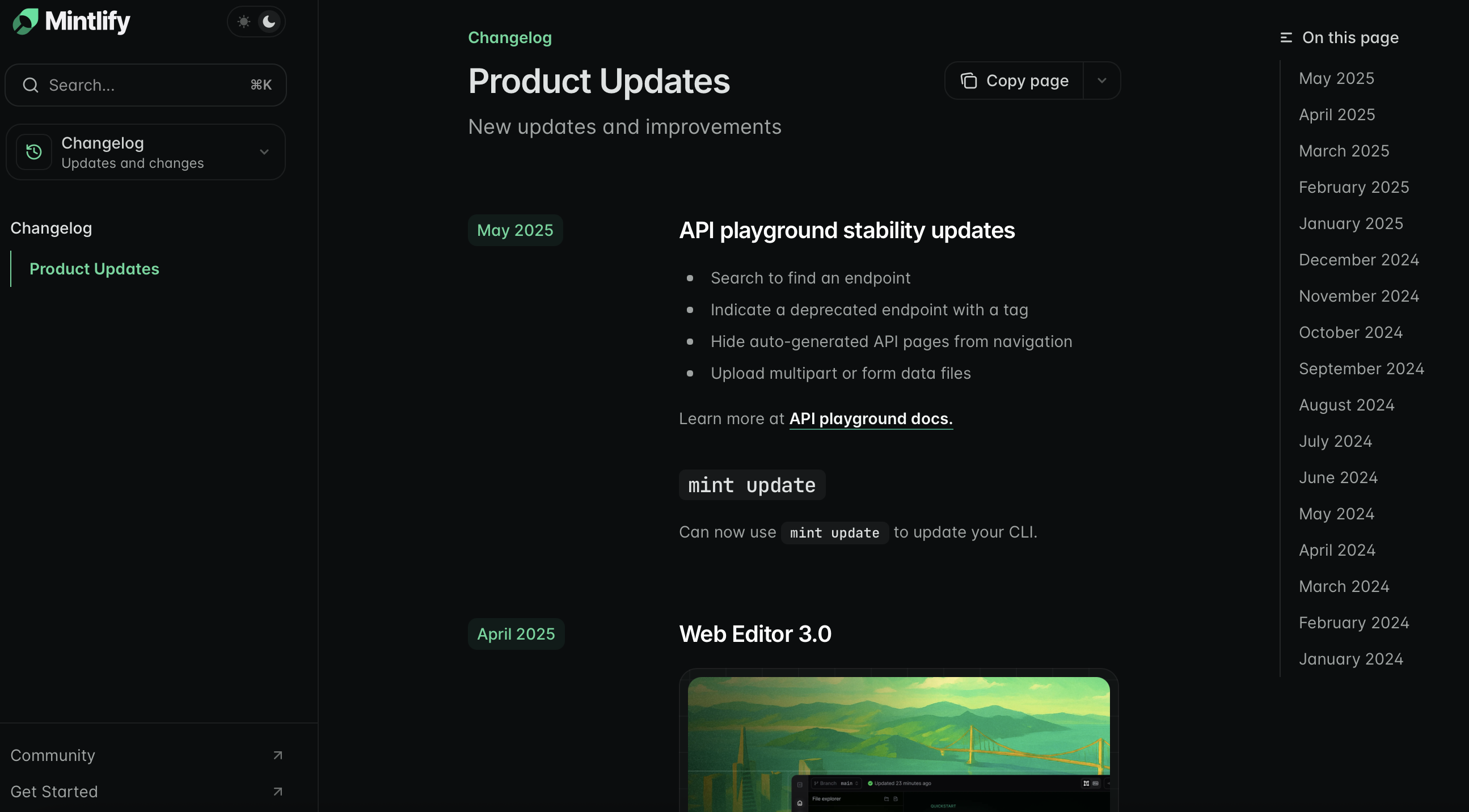
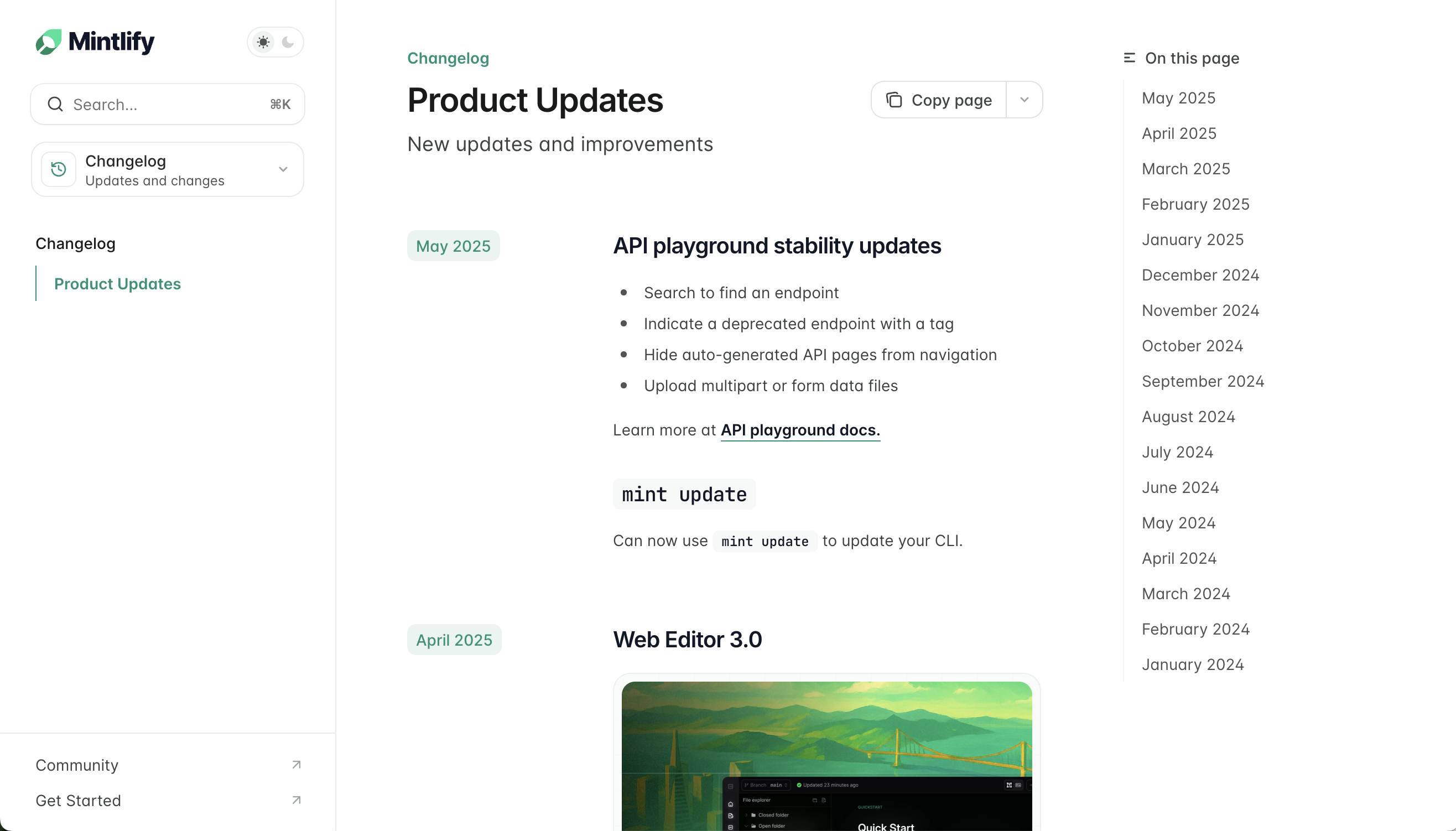
查看 Mintlify 更新日志 作为示例:你可以在每次更新中加入链接、图片、文本,以及新功能演示。
为更新日志创建页面
- 在文档中创建一个新页面,例如
changelog.mdx 或 updates.mdx。
- 将该更新日志页面添加到
docs.json 的 navigation 配置中。
在更新日志中添加 Update 组件
为每条更新记录添加一个 Update。包含相关信息,例如功能发布、缺陷修复或其他公告。
---
title: "更新日志"
description: "产品更新和公告"
---
<Update label="2025年3月" description="v0.0.10">
新增冬青薄荷口味。
绿薄荷口味发布新版本,薄荷含量提升10%。
</Update>
<Update label="2025年2月" description="v0.0.09">
绿薄荷口味发布新版本。
</Update>
控制读者如何浏览你的更新日志,并随时掌握产品动态。
每个 Update 的 label 属性都会在右侧边栏的目录中自动创建一个条目。这是更新日志的默认导航方式。
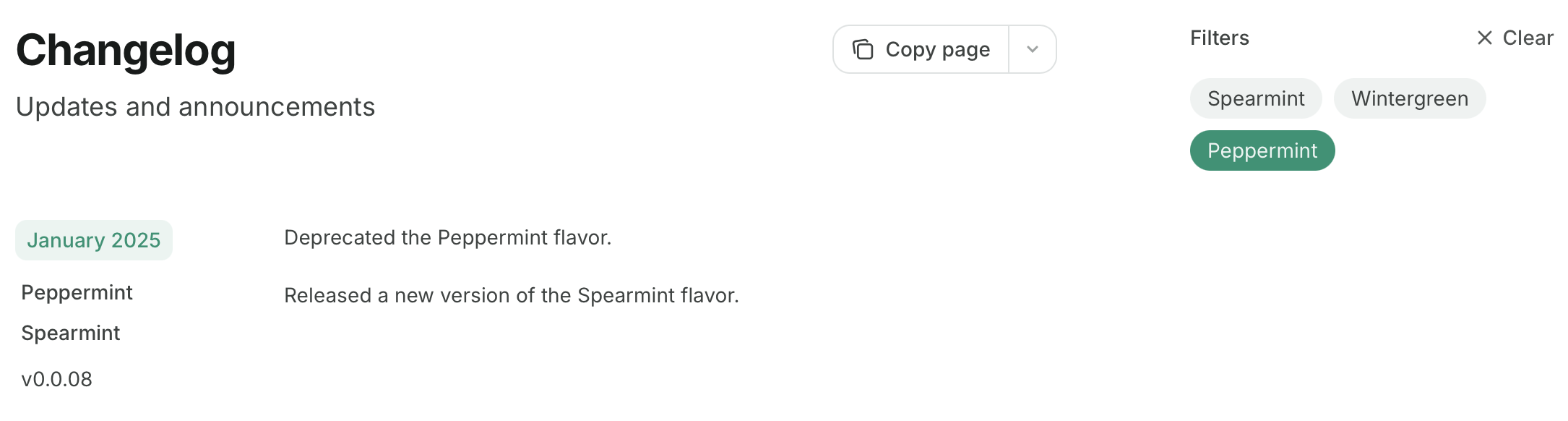
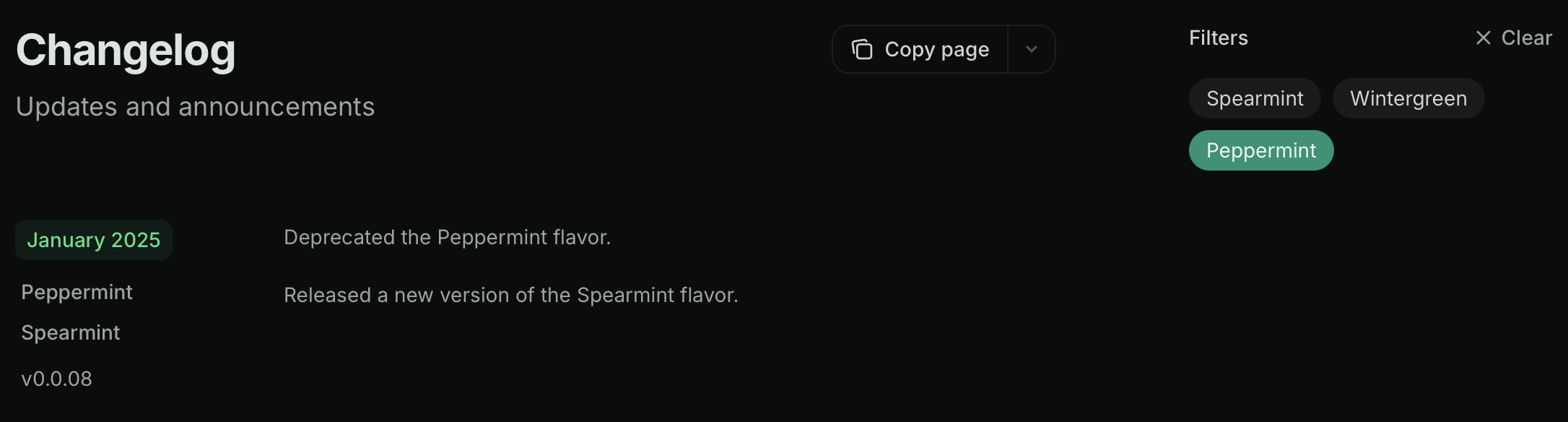
在 Update 组件中添加 tags,即可用标签筛选替代目录。用户可以通过选择一个或多个标签来筛选更新日志:
<Update label="2025年3月" description="v0.0.10" tags={["Wintergreen", "Spearmint"]}>
添加了新的 Wintergreen 口味。
发布了新版本的 Spearmint 口味,现在薄荷含量增加了 10%。
</Update>
<Update label="2025年2月" description="v0.0.09" tags={["Spearmint"]}>
发布了新版本的 Spearmint 口味。
</Update>
<Update label="2025年1月" description="v0.0.08" tags={["Peppermint", "Spearmint"]}>
已废弃 Peppermint 口味。
发布了新版本的 Spearmint 口味。
</Update>
当使用 custom、center 或 wide 页面模式时,目录和更新日志筛选器将被隐藏。了解更多页面模式。
使用 Update 组件会在页面的 URL 后追加 /rss.xml,从而创建一个可订阅的 RSS 源。例如:mintlify.com/docs/changelog/rss.xml。
当发布新的 Update 组件,或在现有的 <Update> 标签内新增标题时,RSS 源会新增条目。
Update 组件的顶级标题将作为 RSS 源条目的标题,且这些条目会链接到文档中对应标题的锚点。
<?xml version="1.0" encoding="UTF-8"?>
<rss xmlns:dc="http://purl.org/dc/elements/1.1/" xmlns:content="http://purl.org/rss/1.0/modules/content/" xmlns:atom="http://www.w3.org/2005/Atom" version="2.0">
<channel>
<title><![CDATA[产品更新]]></title>
<description><![CDATA[新功能更新与改进]]></description>
<link>https://mintlify.com/docs</link>
<generator>RSS for Node</generator>
<lastBuildDate>Mon, 21 Jul 2025 21:21:47 GMT</lastBuildDate>
<atom:link href="https://mintlify.com/docs/changelog/rss.xml" rel="self" type="application/rss+xml"/>
<copyright><![CDATA[Mintlify]]></copyright>
<docs>https://mintlify.com/docs</docs>
<item>
<title><![CDATA[2025年6月]]></title>
<link>https://mintlify.com/docs/changelog#june-2025</link>
<guid isPermaLink="true">https://mintlify.com/docs/changelog#june-2025</guid>
<pubDate>Mon, 23 Jun 2025 16:54:22 GMT</pubDate>
</item>
</channel>
</rss>
RSS 源可以与 Slack、电子邮件或其他订阅工具集成,用于通知用户产品更新。可选项包括:
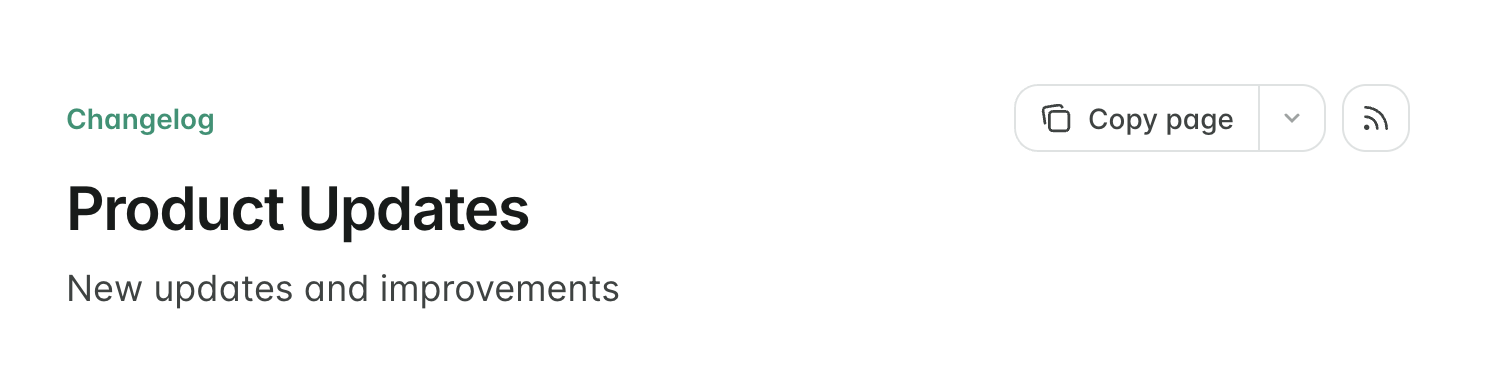
为便于发现 RSS 源,你可以在页面顶部显示一个链接到该源的 RSS icon 按钮。在页面 frontmatter 中添加 rss: true: