

docs.json file to add the Osano cookie consent manager.
SOURCE can be found as the src value in the code snippet generated by Osano. It always starts with https://cmp.osano.com/.
Code snippet from Osano
Troubleshooting
Pages not loading with Strict compliance mode
Pages not loading with Strict compliance mode
If your documentation pages aren’t loading properly when using Osano’s Strict compliance mode, you’ll need to whitelist Mintlify’s domain to allow images and other assets to load.
1
Navigate to Managed Rules
In your Osano dashboard, go to Scripts → Managed Rules.
2
Add Mintlify domain
Add 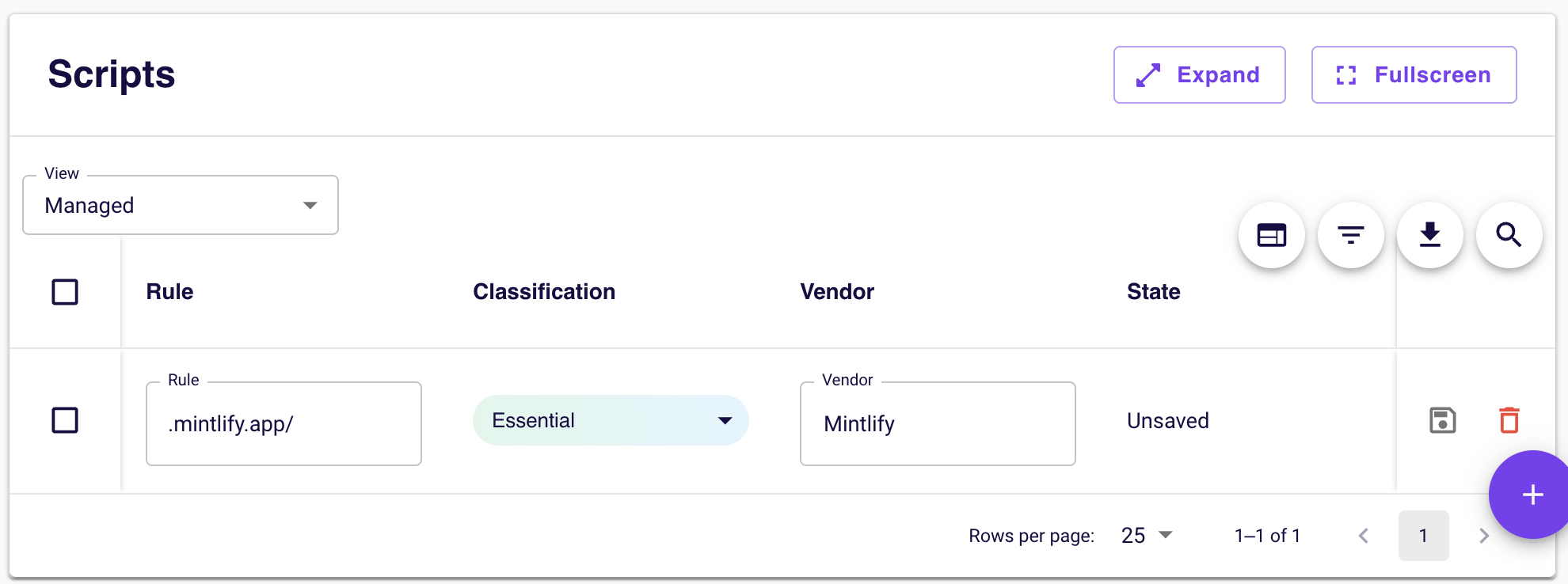
.mintlify.app/ as a managed rule.This ensures that all Mintlify-served assets (including images, stylesheets, and other documentation resources) are treated as essential and will load even when Osano blocks uncategorized third-party content.