> ## Documentation Index
> Fetch the complete documentation index at: https://omer-914cc1c6.mintlify.site/llms.txt
> Use this file to discover all available pages before exploring further.
# Frames
> 将图像或其他组件包裹在容器中
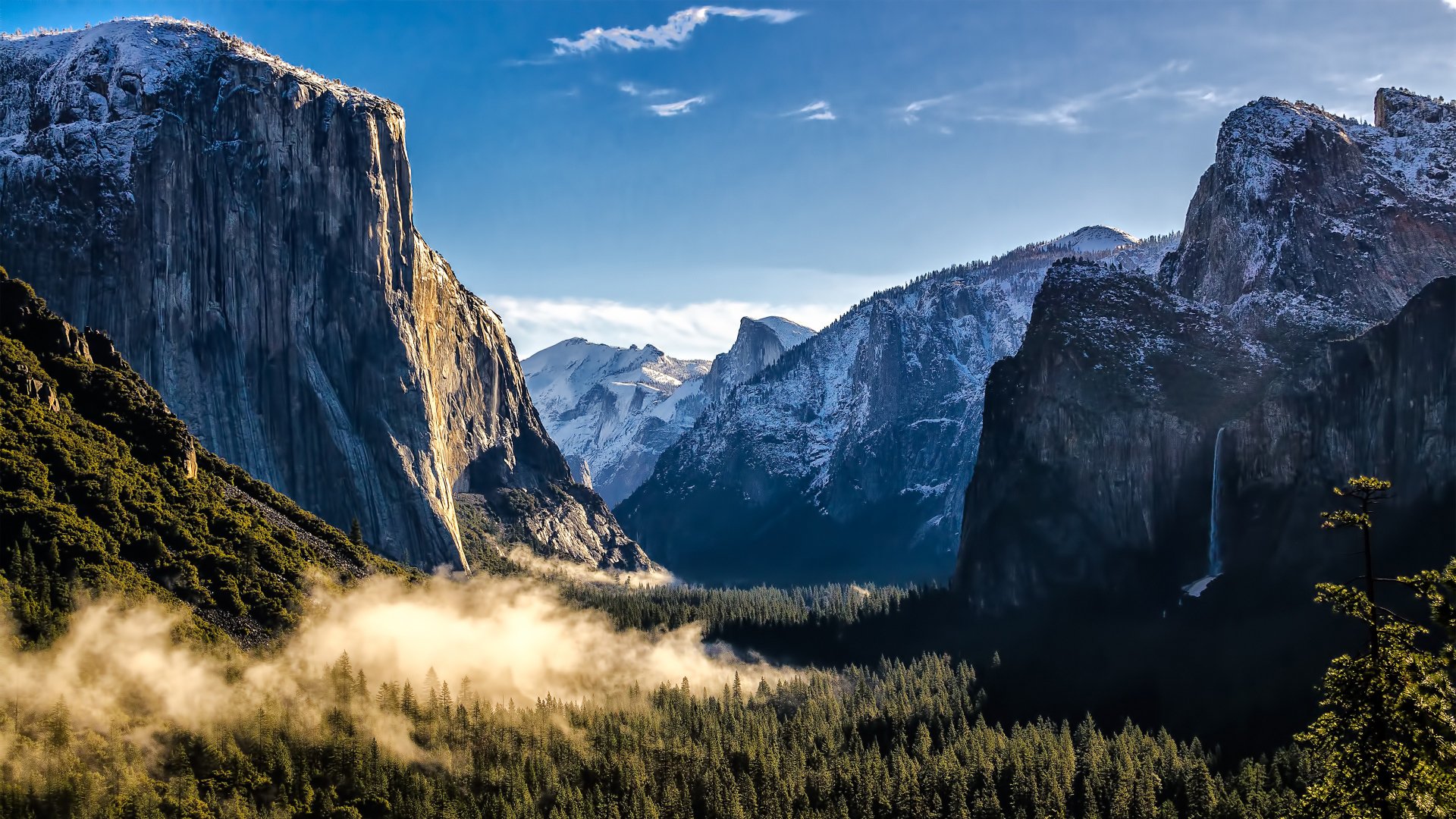
使用 Frames 以一致的样式展示图像、示意图或其他视觉内容,并可选配字幕说明。Frames 会将内容居中,并与周围文本形成视觉分隔。
## 说明文字
你可以使用可选的 `caption` 属性为图片添加额外的说明。
## 属性
可选的标题文本,将在组件下方居中显示。
```mdx Frame theme={null}
```
```mdx Frame with a caption theme={null}
```
 ```
```mdx Frame with a caption theme={null}
```
```mdx Frame with a caption theme={null}