> ## Documentation Index
> Fetch the complete documentation index at: https://omer-914cc1c6.mintlify.site/llms.txt
> Use this file to discover all available pages before exploring further.
# Publishing your changes
> Deploy your documentation updates directly to production or through pull requests
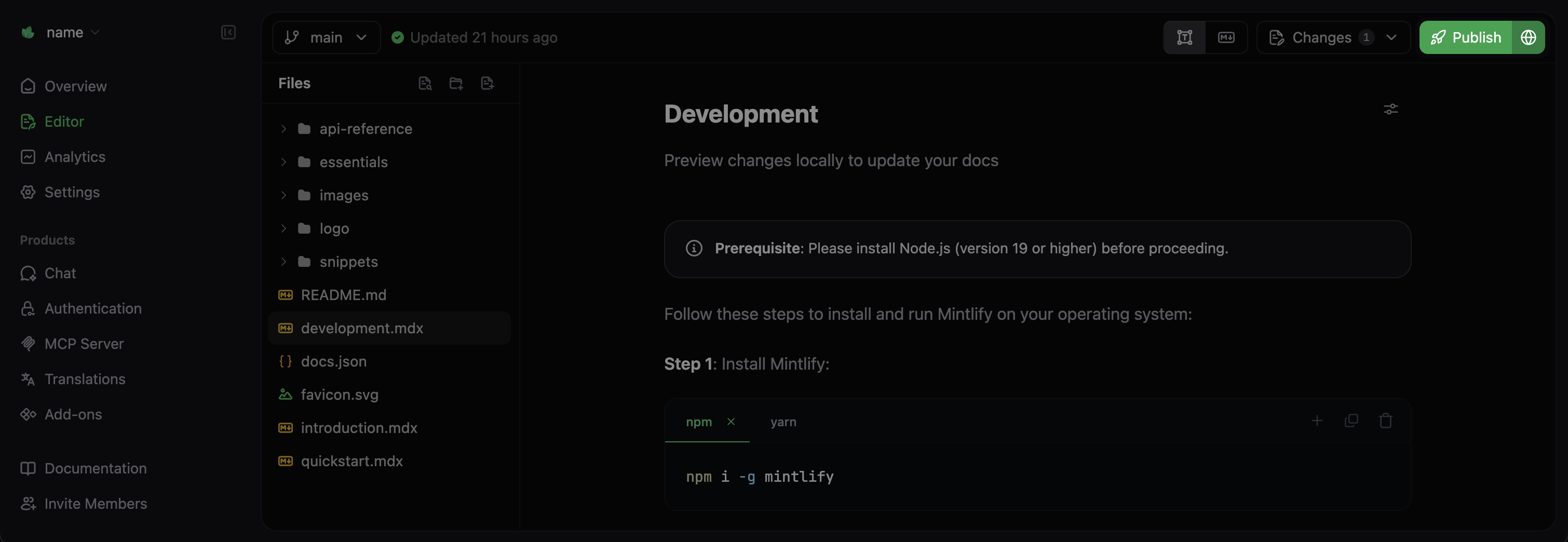
How your changes are published depends on which branch you are working on:
* **Deployment branch**: Publishing updates your live site immediately.
* **Other branches**: Publishing creates a pull request so you can review changes before they are deployed to production.

 ## Pull requests and reviewing changes
Pull requests let you propose changes from your branch so that other people can review them before merging into your live documentation. This helps ensure that your changes are correct and gives your team a chance to collaborate on content.
Even if you're working solo, pull requests are valuable for previewing changes and maintaining a clear history of updates.
### Creating a pull request
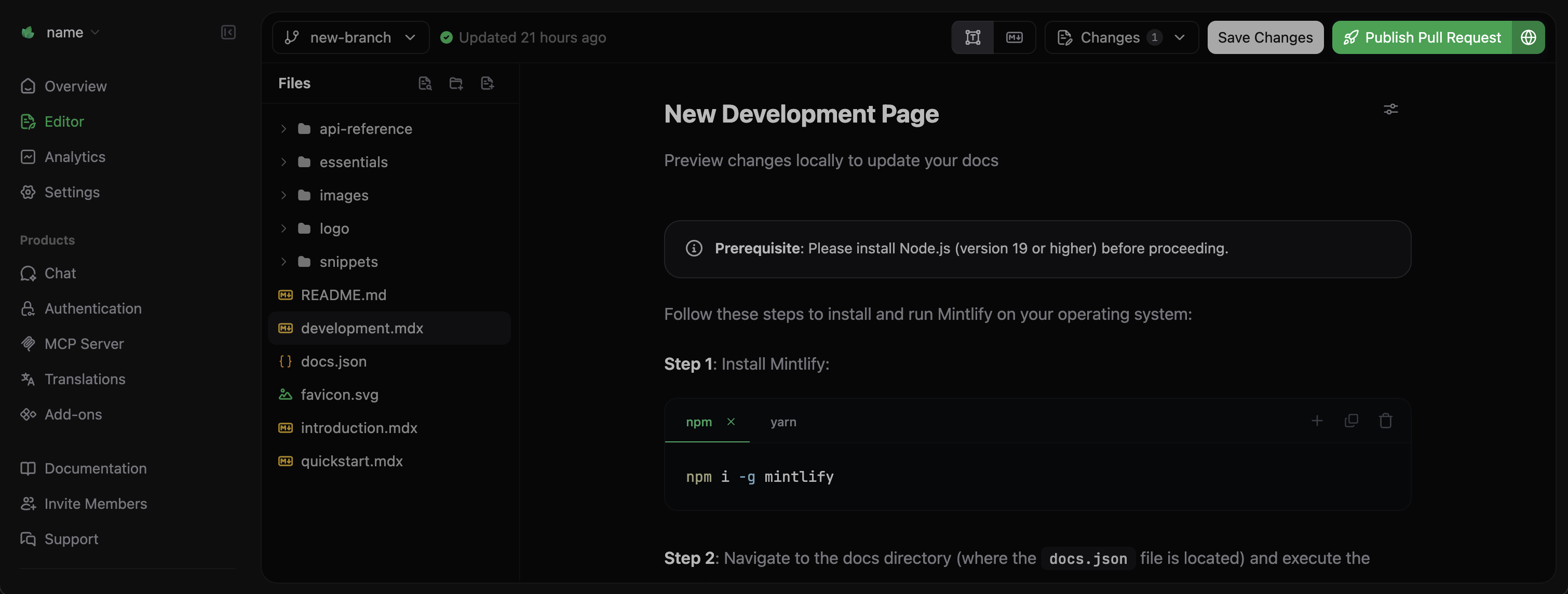
Make sure all your changes are saved on your branch using **Save Changes**.
Select **Publish Pull Request** in the top-right corner of the editor.
Write a clear title and description explaining:
* What changes you made
* Why you made them
* Any specific areas that need review
Select **Publish Pull Request**. The editor will provide a link to view your pull request.
## Pull requests and reviewing changes
Pull requests let you propose changes from your branch so that other people can review them before merging into your live documentation. This helps ensure that your changes are correct and gives your team a chance to collaborate on content.
Even if you're working solo, pull requests are valuable for previewing changes and maintaining a clear history of updates.
### Creating a pull request
Make sure all your changes are saved on your branch using **Save Changes**.
Select **Publish Pull Request** in the top-right corner of the editor.
Write a clear title and description explaining:
* What changes you made
* Why you made them
* Any specific areas that need review
Select **Publish Pull Request**. The editor will provide a link to view your pull request.

 ## Reviewing pull requests
Once your pull request is created:
1. **Review changes**: You and your team members can review your pull request in your Git provider like GitHub or GitLab.
2. **Leave feedback**: Add comments or request changes.
3. **Make additional changes**: Make additional changes in the web editor. When you save changes, the editor pushes them to your pull request.
4. **Approve**: Approve the pull request when you're satisfied with the changes.
5. **Merge**: Merge the pull request when you're ready to deploy your changes to production.
## Reviewing pull requests
Once your pull request is created:
1. **Review changes**: You and your team members can review your pull request in your Git provider like GitHub or GitLab.
2. **Leave feedback**: Add comments or request changes.
3. **Make additional changes**: Make additional changes in the web editor. When you save changes, the editor pushes them to your pull request.
4. **Approve**: Approve the pull request when you're satisfied with the changes.
5. **Merge**: Merge the pull request when you're ready to deploy your changes to production.