> ## Documentation Index
> Fetch the complete documentation index at: https://omer-914cc1c6.mintlify.site/llms.txt
> Use this file to discover all available pages before exploring further.
# Update
> Keep track of changes and updates
Use the `Update` component to display changelog entries, version updates, and release notes with consistent formatting.
## Example update
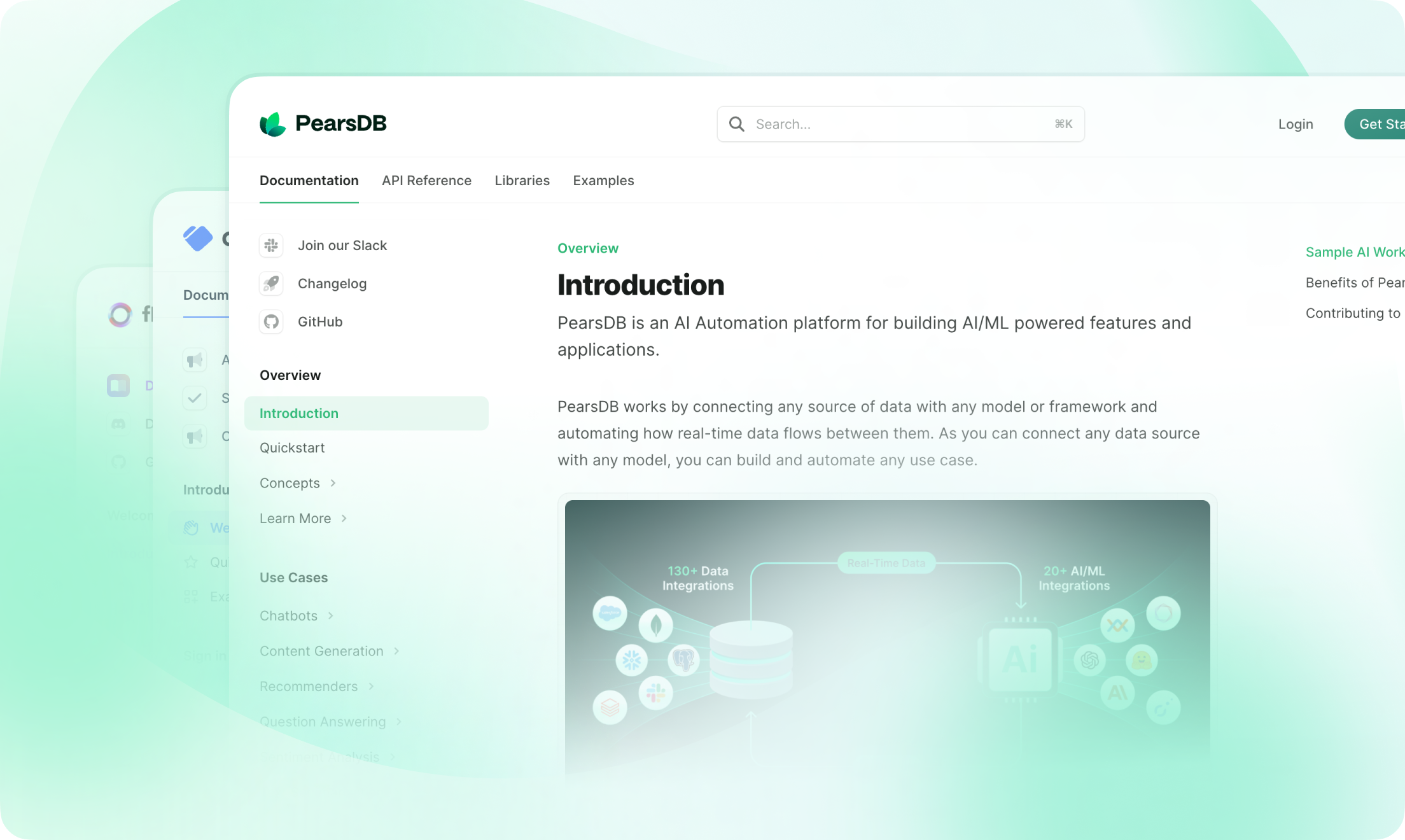
You can add anything here, like a screenshot, a code snippet, or a list of changes.
 ### Features
* Responsive design
* Anchor for each update
* Generated RSS feed entry for each update
## How to use
```mdx Update example theme={null}
This is an update with a label, description, and tag.
```
Use multiple `Update` components to create [changelogs](/guides/changelogs).
## Props
Label for the update. Appears to the left of the update and creates an anchor link. Labels should be unique.
Tags for the update. Shown as filters in the right side panel.
Description of the update. Appears below the label and tag.
### Features
* Responsive design
* Anchor for each update
* Generated RSS feed entry for each update
## How to use
```mdx Update example theme={null}
This is an update with a label, description, and tag.
```
Use multiple `Update` components to create [changelogs](/guides/changelogs).
## Props
Label for the update. Appears to the left of the update and creates an anchor link. Labels should be unique.
Tags for the update. Shown as filters in the right side panel.
Description of the update. Appears below the label and tag.